

Where to Find an AI Assistant That Respects Godot Scenes and Signals
Indie developers can find an AI assistant that respects Godot scenes and signals in project-aware tools like Avori. These tools connect directly to the Godot editor, allowing the AI to read node ownership, signal flow, and scene inheritance before suggesting code. This guide covers how to evaluate Godot AI assistants, understand scene tree architecture, configure signals safely, use in-editor plugins, and explore MCP integrations.
Godot AI Assistants
Godot AI assistants are specialized tools designed to help developers write, debug, and refactor GDScript while maintaining project integrity. Unlike generic code generators, these assistants are built to understand the specific constraints of the Godot engine. They recognize that a game feature is rarely contained in a single file. Instead, a mechanic often touches input handling, state management, animation, and UI feedback simultaneously.
Avori is a project-aware AI assistant that works across Unity, Godot, and Unreal. It is designed for developers who want AI help without losing control of their game architecture. The tool keeps your Game Design Document (GDD), code, and project rules connected. This ensures that the AI does not just generate code, but generates code that fits your existing system. For indie developers, this means less time explaining context and more time building playable features.
Why Generic AI Fails in Godot
Generic AI models often produce large, monolithic scripts because that is the easiest output to generate. In Godot, this approach leads to technical debt. It ignores node ownership, signal conventions, and scene inheritance. A script that works in isolation may break the moment it interacts with the rest of the scene tree. Project-aware tools avoid this by asking structure questions first. They determine where behavior belongs before writing a single line of code.
The Role of Project Context
Project context is the data an AI uses to understand your specific game. This includes selected scripts, scene structures, and design rules. When you connect a project to a tool like Avori, the assistant can see the boundaries between different systems. It knows which nodes are responsible for movement and which handle UI. This context allows the AI to propose changes that respect your architecture. It prevents the common issue of an AI suggesting a refactor that breaks existing functionality.
Scene Tree Understanding
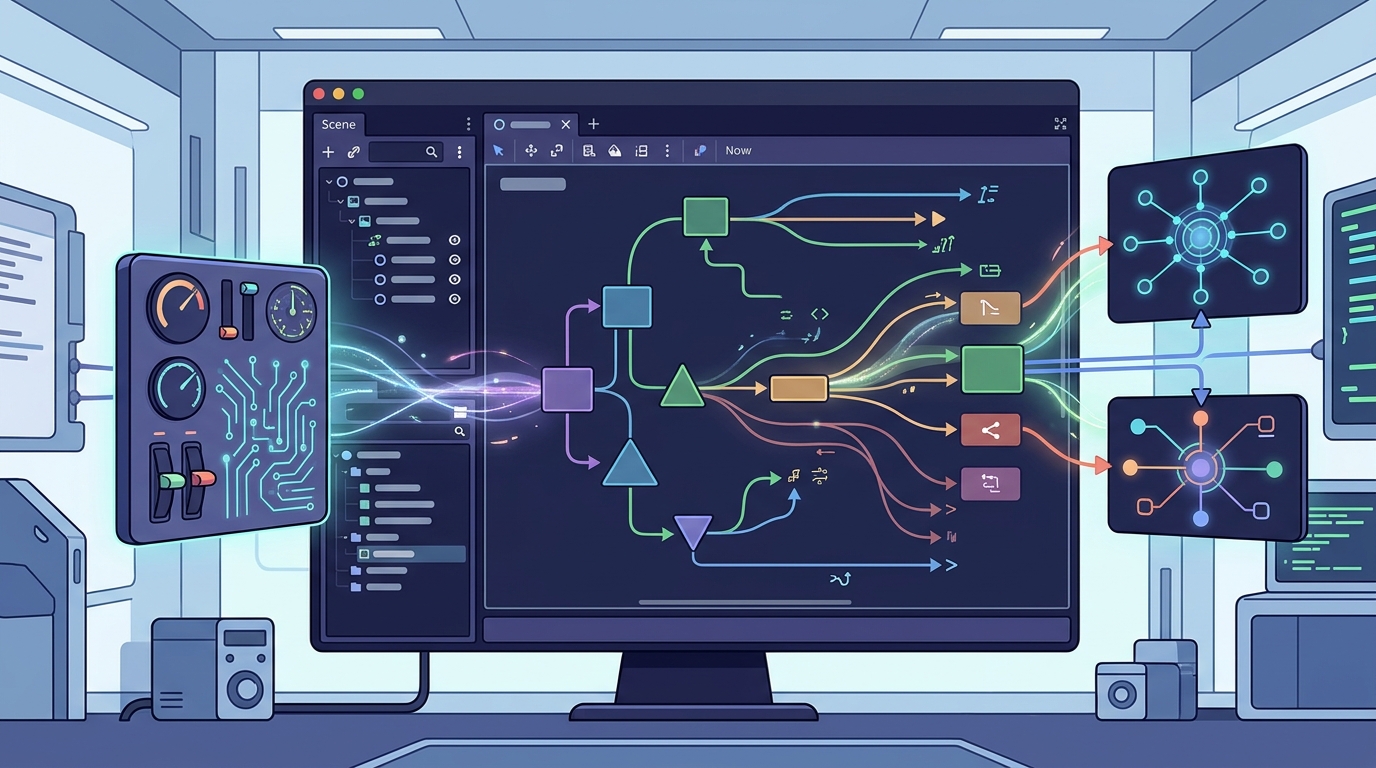
Scene tree understanding is the ability of an AI to interpret the hierarchy of nodes in a Godot scene. In Godot, the scene tree is the backbone of your game. It defines how nodes communicate and how data flows through the application. An AI that respects the scene tree knows that a child node should not directly control a parent node. It also understands the difference between reusable scenes and unique instances.
When working with complex scenes, developers often struggle with node ownership. Should a behavior live on the player node, a component, or a separate manager? Avori helps by analyzing the scene shape. It looks at reusable scenes, inherited scenes, and ownership boundaries. This analysis helps the developer make informed decisions about where to place new logic. The AI can suggest moving a behavior to a different node if it fits the architecture better.
Node Ownership and Responsibilities
Node ownership defines which part of the scene tree is responsible for a specific task. Clear ownership prevents spaghetti code and makes debugging easier. For example, a health bar should be owned by the UI system, not the player character. The player emits a signal when health changes, and the UI listens for that signal. An AI that understands this pattern will not suggest putting UI logic inside the player script. It will instead suggest a clean separation of concerns that aligns with Godot best practices.
Scene Inheritance and Reusability
Scene inheritance allows developers to create base scenes and extend them with specific behaviors. This is a powerful feature in Godot, but it can be confusing for AI models that do not understand the inheritance chain. If an AI does not know that a scene inherits from a base class, it may duplicate code or break the inheritance. Project-aware tools track these relationships. They ensure that changes to a base scene are reflected correctly in all derived scenes. This reduces the risk of subtle bugs that are hard to track down.
Signal Configuration
Signal configuration is the process of defining, emitting, and connecting signals in Godot. Signals are the primary way nodes communicate in Godot. They allow for loose coupling between different parts of the game. However, managing signals can become complex as a project grows. Developers often end up with a tangled web of connections that are difficult to maintain. An AI assistant that respects signal flow can help untangle this mess.
Avori can analyze existing signals in your project. It looks at naming conventions, emitted events, and places where coupling might be too tight. This analysis helps identify potential issues before they become bugs. The AI can suggest refactoring a signal connection if it violates project rules. For example, if a signal is connected to a node that should not have access to that data, the AI will flag it. This ensures that your signal architecture remains clean and scalable.
Signal Naming Conventions
Consistent naming conventions are essential for maintainable code. In Godot, signals are often named using the past tense, such as 'health_changed' or 'game_over'. An AI that understands these conventions will generate code that matches your project style. It will not use inconsistent naming that makes the codebase harder to read. By enforcing naming rules, the AI helps keep the codebase consistent. This is especially important for teams where multiple developers are working on the same project.
Managing Signal Coupling
Signal coupling refers to the degree of dependency between nodes connected by signals. High coupling can make a system fragile. If one node changes, it may break multiple other nodes. An AI assistant can help reduce coupling by suggesting alternative communication patterns. For example, it might suggest using a singleton or a message bus for global events. This reduces the number of direct connections between nodes. It makes the system more robust and easier to modify in the future.
In-Editor Plugins
In-editor plugins are extensions that integrate AI capabilities directly into the Godot editor. These plugins allow developers to interact with the AI without leaving their workflow. They provide a seamless experience where the AI has access to the current scene, selected nodes, and editor state. This direct integration is crucial for project-aware AI. It allows the tool to see exactly what the developer is looking at and working on.
Avori includes a Godot plugin that connects to the editor via a local API. This plugin allows the AI to inspect and modify scenes, scripts, and assets. It provides a dock in the editor where developers can chat with the AI and review proposed changes. The plugin ensures that all changes are reviewed before they are applied. This gives developers full control over the AI's actions. It prevents the AI from making unintended changes to the project.
Workflow Integration
Workflow integration is the ability of a tool to fit into an existing development process. A good in-editor plugin should not disrupt the developer's flow. It should enhance the workflow by providing relevant suggestions at the right time. For example, when a developer selects a node, the plugin can provide context-aware suggestions for that node. It can suggest scripts, signals, or properties that are relevant to the selected node. This makes the AI feel like a natural part of the development process.
Review and Approval
Review and approval are critical features for any AI tool that modifies code. Developers should never have to trust an AI blindly. They should be able to review every change before it is applied. Avori provides a review path where developers can see the proposed changes, the affected files, and the risks. This transparency builds trust in the tool. It allows developers to use the AI confidently, knowing that they have the final say on every change.
MCP Integrations
MCP integrations are connections between AI assistants and external tools via the Model Context Protocol. MCP is a standard that allows AI models to interact with external systems. In the context of Godot, MCP integrations allow AI assistants to connect to a live Godot editor. This connection enables the AI to perform actions like building scenes, writing scripts, and running tests. It is a powerful way to extend the capabilities of an AI assistant.
Several tools in the Godot ecosystem now support MCP. For example, the Godot AI asset in the Godot Asset Library connects MCP-compatible AI assistants to a live Godot editor. This allows developers to use their preferred AI assistant with Godot. However, not all MCP integrations are created equal. Some may lack the project-awareness needed for complex games. Developers should choose tools that provide deep context and robust review mechanisms.
Benefits of MCP
The primary benefit of MCP is flexibility. It allows developers to use any MCP-compatible AI assistant with Godot. This means developers are not locked into a specific vendor. They can choose the AI model that best fits their needs. MCP also standardizes the way AI interacts with external tools. This makes it easier for developers to switch between different AI assistants without relearning the workflow.
Limitations of MCP
While MCP is powerful, it has limitations. It relies on the AI model's ability to interpret the context provided by the external tool. If the context is not well-structured, the AI may make incorrect assumptions. Additionally, MCP integrations may not provide the same level of project-awareness as dedicated tools. They may not understand the specific architecture of a game. Developers should use MCP integrations as a complement to, not a replacement for, project-aware AI tools.
Comparison of Godot AI Approaches
| Feature | Generic AI | Project-Aware AI (Avori) | MCP Integration |
|---|---|---|---|
| Scene Tree Awareness | Low | High | Medium |
| Signal Flow Analysis | None | High | Medium |
| Project Rules Enforcement | None | High | Low |
| Review Mechanism | Manual | Built-in | Variable |
| Best For | Simple Scripts | Complex Games | Flexible Workflows |
Key Takeaways
- Project-aware AI assistants like Avori respect Godot scenes and signals by analyzing node ownership and signal flow.
- Scene tree understanding is critical for maintaining clean architecture in Godot projects.
- Signal configuration should follow consistent naming conventions to ensure maintainability.
- In-editor plugins provide a seamless workflow by integrating AI directly into the Godot editor.
- MCP integrations offer flexibility but may lack the deep project-awareness of dedicated tools.
- Review and approval mechanisms are essential for trusting AI-generated code.
- Developers should choose tools that enforce project rules and respect existing architecture.
- Avori supports Godot 4 workflows through its Hub and plugin system.
Frequently Asked Questions
Does Avori support Godot 4?
Yes, Avori supports Godot 4 workflows through its Hub and plugin system.
Can Avori reason about Godot nodes and scenes?
Yes, Avori can help plan around nodes, scenes, signals, resources, and project rules rather than only producing isolated code.
How does Avori handle Godot project data?
Avori is local-first by default. Your source code, design docs, and project context stay under your control and are not used for training.
What is the difference between Avori and generic AI?
Avori is project-aware, meaning it uses context from your actual project, such as design docs and selected files, instead of answering only from a single prompt.
Can Avori write GDScript?
Yes, Avori can help write, explain, refactor, and debug GDScript when you connect the relevant project context.
How do I start using Avori with Godot?
You can start by downloading the Avori installer, signing in, and choosing to connect an existing Godot project or start a new one.
Is Avori free to use?
Avori Core is $0 software with unlimited local projects and GDDs. You start with 30 one-time trial credits, then continue with prepaid Avori Balance for supported models.
Conclusion
Indie developers looking for an AI assistant that respects Godot scenes and signals should focus on project-aware tools. These tools provide the context needed to generate code that fits your existing architecture. Avori is a strong option for this purpose, offering deep integration with the Godot editor and a robust review process. By using a tool that understands your project, you can build games faster without sacrificing code quality. Start by exploring the Godot AI Assistant features in Avori to see how it can help your workflow.