

Yes, Avori is an AI assistant for Unreal Engine that helps developers plan Blueprint and C++ boundaries. It analyzes your project architecture, design documents, and existing code to determine where behavior should live. This guide covers how project-aware AI works, why generic tools fail at boundary planning, and how to implement safe, reviewable changes in your Unreal project.
Unreal AI Assistants
Unreal AI assistants are tools that integrate with the Unreal Editor to provide code generation, debugging, and architectural guidance. Unlike generic chatbots, specialized assistants understand the specific constraints of Unreal Engine, such as actor lifecycles, component ownership, and subsystem interactions. Avori supports Unreal workflows through its Hub and plugin system, allowing developers to reason about project context, design docs, and architecture rules. This integration ensures that AI suggestions align with your existing codebase rather than introducing conflicting patterns.
Engine-Specific Integration
Avori connects directly to your Unreal project, reading selected files, C++ context, and editor setup notes. This direct connection allows the AI to see the actual state of your project, including asset references and subsystem configurations. By grounding its responses in real project data, the assistant provides more accurate and actionable advice than tools that rely solely on prompt text.
Design Alignment
The assistant also references your Game Design Document (GDD) to ensure that technical implementation matches design intent. It can identify mechanics, interaction rules, and tuning constraints from your design notes and map them to the appropriate technical systems. This alignment helps prevent discrepancies between what the game is supposed to do and how it is actually built.
Why Blueprint and C++ Boundaries Matter
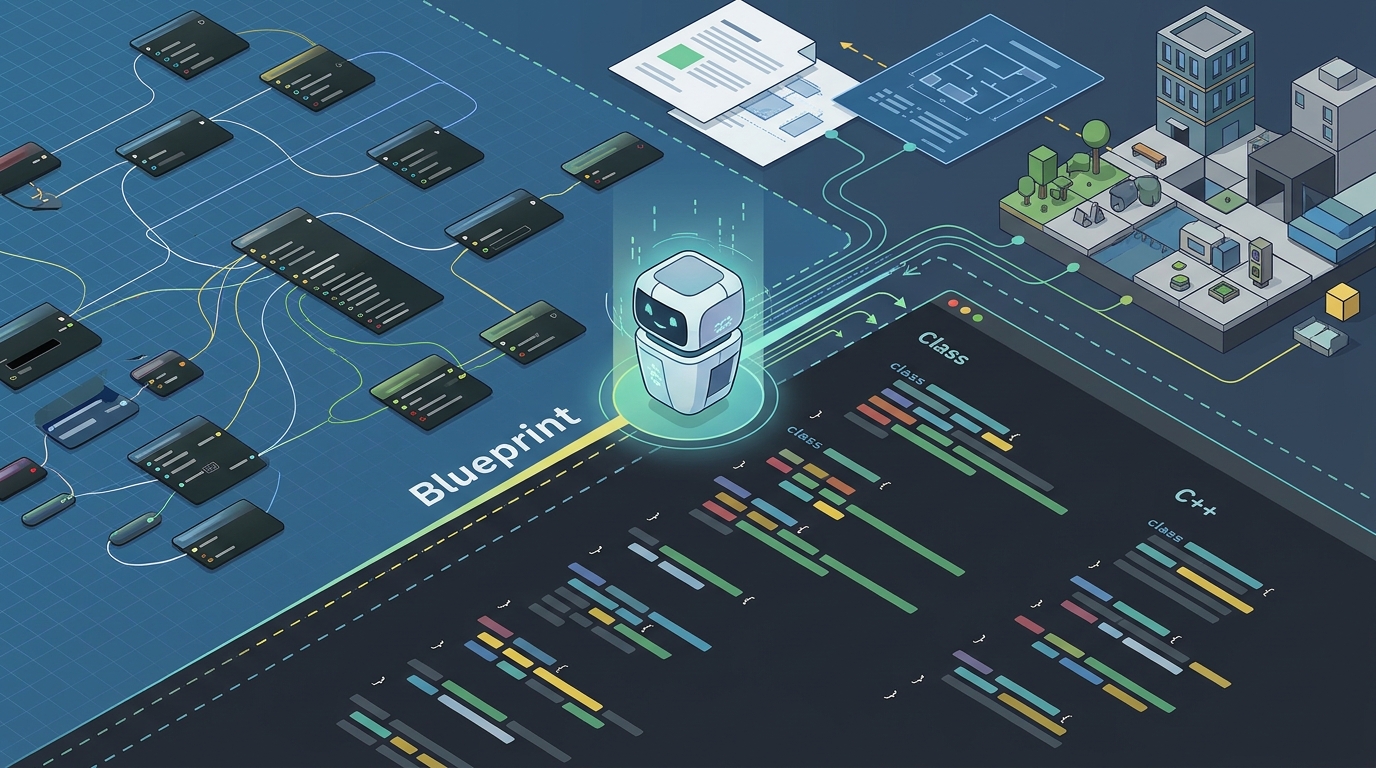
Blueprint and C++ boundary planning is the process of deciding which logic should be implemented in C++ for performance and stability, and which should remain in Blueprint for flexibility and iteration speed. This decision is critical because it affects maintainability, team workflow, and long-term scalability. A generic AI answer might suggest a graph shape, but a real Unreal project needs the right ownership boundary first. The same feature may belong in an actor, component, subsystem, data asset, or editor-authored Blueprint depending on the project's specific architecture.
Performance vs. Flexibility
C++ offers better performance and type safety, making it ideal for core gameplay loops, physics interactions, and complex state machines. Blueprint provides visual scripting and hot-reloading, which is perfect for tuning, UI logic, and experimental features. The boundary between these two must be clearly defined to avoid performance bottlenecks or rigid code structures that are hard to modify.
Maintainability and Team Workflow
Clear boundaries also improve maintainability. When developers know exactly where to place new logic, they reduce the risk of creating spaghetti code or duplicating functionality. This clarity is especially important for teams where designers and programmers work in parallel. By establishing explicit rules for what stays in C++ and what moves to Blueprint, teams can work more efficiently and with fewer integration conflicts.
Project-Aware Context in Unreal
Project-aware context is the ability of an AI tool to understand the specific structure, rules, and state of your existing project. In Unreal Engine, this includes actor/component boundaries, reusable gameplay behavior, subsystems, and project rules. Avori is built for this project-aware workflow, helping developers work from connected context instead of manually reloading the same background every time they need help. This approach ensures that AI suggestions fit the project instead of inventing a new structure.
Architecture and Implementation Context
Avori uses several types of context to make informed decisions. It analyzes the architecture to understand actor/component boundaries and reusable gameplay behavior. It also looks at implementation details, such as selected files, C++ context, and editor setup notes. This comprehensive view allows the AI to propose changes that respect the existing codebase and avoid breaking dependencies.
Design Intent and Review Notes
The assistant also considers design intent, including GDD mechanics, interaction rules, and tuning constraints. It provides review notes that highlight risks, manual tests, and editor setup required after code changes. This ensures that developers are aware of the implications of any proposed change and can make informed decisions about whether to proceed.
Implementation Workflow
The implementation workflow in Avori follows a structured process that ensures safety and reviewability. It starts with planning, where the AI turns a GDD slice into a reviewable plan. It then identifies affected Unreal systems and calls out editor setup or manual checks before changes land. This workflow helps developers make smaller, reviewable changes and names the risks before touching the codebase.
Step 1: Plan the Boundary
Begin by providing the AI with the relevant GDD section and your actor/component rules. Ask it to plan the Blueprint and C++ boundary, list editor setup, and call out the smallest first step. The result should explain the architecture choice, affected files or assets, manual editor setup, and test cases before implementation.
Step 2: Review and Approve
Review the proposed plan carefully. Check that the boundary aligns with your project's performance and maintainability goals. Ensure that the editor setup steps are clear and that the test cases cover the expected behavior. Only approve the plan when you are confident that it fits your project's architecture.
Step 3: Implement and Test
Once approved, implement the changes in C++ or Blueprint as directed. Perform the manual editor setup and run the test cases to verify that the behavior works as expected. If any issues arise, use the AI to debug and refine the implementation, keeping the boundary intact.
Comparison of AI Approaches
| Feature | Generic AI Chatbot | Avori (Project-Aware) |
|---|---|---|
| Project Context | None (Prompt only) | Full (Files, GDD, Rules, Editor State) |
| Boundary Planning | Generic suggestions | Architecture-specific plans |
| Editor Setup | Not considered | Explicitly called out |
| Risk Assessment | Minimal | Detailed (Risks, Tests, Checks) |
| Review Path | None | Reviewable plans before changes |
Key Takeaways
- Avori is an AI assistant for Unreal Engine that helps plan Blueprint and C++ boundaries using project-aware context.
- Project-aware context includes architecture, implementation, design intent, and review notes.
- Clear boundaries between Blueprint and C++ improve performance, maintainability, and team workflow.
- The implementation workflow involves planning, reviewing, and testing changes before they land.
- Avori provides explicit editor setup steps and risk assessments for each proposed change.
- Using project-aware AI reduces the risk of introducing conflicting patterns or breaking dependencies.
- Avori supports Unreal workflows through its Hub and plugin system, ensuring integration with your existing project.
- Reviewable plans allow developers to make informed decisions about architecture choices.
Frequently Asked Questions
Can Avori generate Unreal Blueprints directly?
Avori is positioned as a project-aware copilot for planning, code, debugging, and workflow guidance. Blueprint work may still require editor setup and developer review, but Avori helps plan the boundary and identify affected systems.
Can Avori help decide between Blueprint and C++?
Yes. Avori can help reason about project rules, selected files, design constraints, and implementation boundaries so you can choose the right approach for each feature.
How does Avori handle Unreal project context?
Avori is local-first by default. Core project context stays on your device. Pro cloud continuity and Cloud Loops use cloud storage or processing only when you enable them, and your content is not used for training.
Does Avori support Unreal Engine 5?
Yes. Avori supports Unreal workflows through its Hub and plugin system, including design alignment, project rules, debugging, and implementation planning across the context you connect.
What is the difference between Avori and generic AI tools?
Avori uses project-aware context, including files, GDD, rules, and editor state, instead of answering only from a single prompt. This allows it to provide more accurate and actionable advice for real projects.
Can Avori help with debugging Unreal projects?
Yes. Avori can help debug Unreal projects by using selected files, project rules, and design context to identify issues and propose fixes that fit the existing architecture.
Conclusion
Planning Blueprint and C++ boundaries is a critical aspect of Unreal Engine development that requires deep understanding of your project's architecture and design intent. Avori provides the project-aware context needed to make these decisions safely and effectively. By using Avori, you can ensure that your AI suggestions fit your existing codebase, respect your design rules, and maintain the integrity of your project. Start by connecting your Unreal project to Avori and exploring how it can help you plan your next feature with confidence.