

For solo creators building prototypes, the best AI game development copilot is a project-aware tool that connects to your specific engine and design documents. Avori is the leading choice for this workflow because it keeps your game design document, code, and project rules connected. This guide covers how to evaluate, verify, and use AI copilots to build playable prototypes efficiently.
How to Choose a Copilot
Choosing the right AI game development copilot requires looking beyond generic code generation. A generic assistant treats every prompt as a blank slate, which is dangerous for game development. Game features rarely live in a single file. A dash mechanic might touch input, stamina, animation, physics, and UI feedback. If the AI cannot see the project context, it must guess which shape belongs in your game.
Project-aware AI is an AI system that uses context from the actual project, such as design docs, selected files, rules, and engine state. This context is the difference between a useful answer and a costly one. You need a tool that understands the project around the prompt. Look for a copilot that can reason from your existing files, GDD constraints, and scene setup. If the tool cannot see your architecture, it is weak for implementation work.
Engine Fit and Design Memory
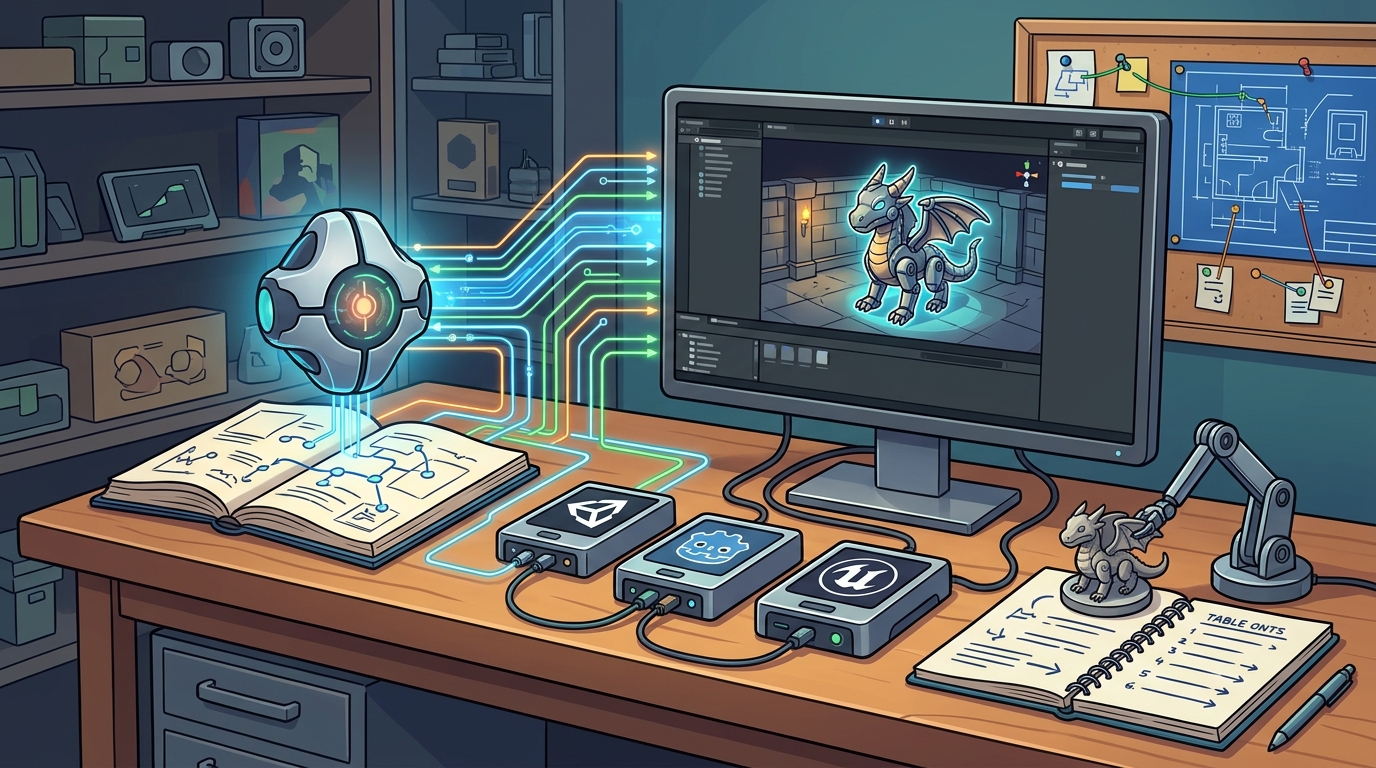
Engine fit is the ability of a tool to understand the specific structure of a game engine. Unity, Godot, and Unreal all have different ways of organizing code and data. A good copilot respects these boundaries. It should know the difference between a Unity prefab and a Godot scene. It should understand how signals work in Godot or how ScriptableObjects work in Unity. This specific knowledge prevents the AI from suggesting code that breaks your project structure.
Design memory is the ability to remember the decisions that keep a game coherent. As a solo developer, you are the only one who knows why you made certain choices. A copilot with design memory can recall these decisions later. It can look at your GDD and see what you intended. This helps it suggest changes that align with your vision instead of contradicting it.
What to Ask Before Committing
Before you commit to an AI copilot, you need to ask specific questions about its capabilities. These questions help you determine if the tool can actually help you build your game. Do not just look at the marketing claims. Ask about how the tool handles context and how it integrates with your workflow.
Key Questions for Evaluation
First, ask if the tool can connect to your existing project. Can it read your current code and design documents? If it cannot, it is just a chatbot. Second, ask how it handles project rules. Can you define naming conventions and architecture boundaries? This is crucial for keeping your codebase clean. Third, ask about the review process. Can you review proposed changes before they are applied? This is a critical safety feature for solo developers.
Finally, ask about the starting paths. Can you start from an idea, or do you need an existing project? A flexible tool should let you start where you are. It should support building inside the tool, starting a new engine project, or connecting an existing one. This flexibility is important for solo creators who may be at different stages of development.
How to Verify Claims
Verifying the claims of an AI tool is essential to avoid wasting time. Many tools claim to be "project-aware" but do not actually use the project context. You need to verify that the tool is doing what it says. This involves testing the tool with your own project and checking the results.
Testing Context Awareness
To verify context awareness, ask the tool a question that requires knowledge of your specific project. For example, ask it to explain a specific mechanic in your GDD. If it gives a generic answer, it is not using your context. If it references your specific files and rules, it is likely using your context. You can also ask it to identify risks in a proposed change. A project-aware tool should be able to point out potential issues based on your architecture.
You should also verify the security and privacy claims. Check if the tool uses your content for training. This is a major concern for commercial projects. You want to ensure that your unreleased mechanics and lore stay yours. Look for clear statements about data handling and privacy. A trustworthy tool will be transparent about how it handles your data.
How the Workflow Works
Understanding how an AI copilot works helps you use it effectively. The workflow typically involves connecting your project, adding context, and then asking for help. This process ensures that the AI has the information it needs to provide useful answers. It also gives you a chance to review the AI's suggestions before they are applied.
The Avori Workflow
Avori works by keeping your GDD, code, and project rules connected. You start by connecting your project to Avori. Then you add your design documents and define your project rules. After that, you can ask Avori for help with implementation, debugging, or planning. Avori uses this context to provide answers that fit your project. You review the proposed changes before they are applied. This review step is crucial for maintaining control over your game.
The workflow is designed to be iterative. You can ask for a plan, review it, and then ask for code changes. You can also ask for debugging help or architecture reviews. This iterative process helps you build your game faster and more efficiently. It also helps you avoid common mistakes that can derail a project.
What It Costs
Understanding the cost of an AI copilot is important for budgeting. The cost of AI tools can vary widely depending on the features and usage. Some tools are free, while others require a subscription. You need to understand what drives the price up or down. This helps you make an informed decision about which tool to use.
Avori Pricing Model
Avori Core is $0 software. It includes unlimited local projects and GDDs. You start with 30 one-time trial credits. After that, you can continue with prepaid Avori Balance for supported Avori-hosted models. Pro adds Personal BYOK, which allows you to use your own API keys. This pricing model is transparent and flexible. It allows you to start for free and only pay for what you use. This is ideal for solo creators who are just starting out.
The cost of AI usage depends on the complexity of the task. A simple request may use one credit, while images and multi-step work may use more. You should monitor your usage to ensure you are not exceeding your budget. Avori provides visibility into your model funding, so you can see exactly how your credits are being used. This transparency helps you manage your costs effectively.
Common Mistakes to Avoid
Even with a good AI copilot, you can make mistakes that hurt your project. Understanding these common mistakes helps you avoid them. The most common mistake is treating the AI as a black box. You need to review the AI's suggestions and understand why it made them. This helps you catch errors and improve your own skills.
Prototype Mess and Context Loss
Prototype speed is worthless if cleanup eats the win. AI can make bad prototype code faster than ever. That is not a win if every experiment creates a new architecture, hardcoded values, or hidden dependencies. You need to make the exit path explicit. Ask the AI what should stay isolated, what should become production structure, and what should be tested before the next iteration. This helps you keep your project clean and maintainable.
Another common mistake is losing context. If you do not keep your GDD and project rules connected to the AI, it will lose track of your decisions. This can lead to inconsistent code and design. You need to regularly update your context and ensure that the AI is using the latest version. This helps you maintain coherence across your project.
Versus Alternatives
Comparing an AI copilot to alternatives helps you understand its value. The main alternative is manual development. While manual development gives you full control, it is slower and more error-prone. AI copilots can help you build faster and more efficiently. They can also help you avoid common mistakes and improve your code quality.
Comparison Table
| Feature | Avori | Generic AI Chatbot | Manual Development |
|---|---|---|---|
| Project Awareness | High | Low | N/A |
| Engine Integration | Unity, Godot, Unreal | None | Full |
| Design Memory | Yes | No | Yes |
| Review Process | Yes | No | N/A |
| Cost | Free to start | Varies | Time |
Avori offers a unique combination of project awareness, engine integration, and design memory. It is a powerful tool for solo creators who want to build their games faster and more efficiently. It is not a replacement for manual development, but it is a valuable assistant that can help you achieve your goals.
For Specific Situations
The best AI copilot for a specific situation depends on your needs. If you are a solo developer, you need a tool that can help you with design, implementation, debugging, and production context. Avori is especially useful for this type of developer. It can help you keep your decisions visible and your project coherent. It can also help you debug project-specific behavior and turn design ideas into playable systems.
Solo vs. Team
For solo developers, the key benefit of an AI copilot is context recovery. When you are solo, you might switch from gameplay code to UI, then level design, then a bug, then back to the original mechanic days later. The hard part is not only writing code. It is keeping decisions visible. Avori gives you a place to keep project rules and design context close to the implementation workflow. This helps you start each session with less re-explaining. For teams, the benefit is shared context. Avori can help a small team needs a shared, reviewable path from design intent to the next playable milestone.
Rules and Protections
Understanding the rules and protections that apply to an AI copilot is important. These rules ensure that your work is safe and secure. They also ensure that you have control over your project. You need to understand how the tool handles your data and what your rights are.
Local-First Design
Avori is built local-first by default. Your source code, design docs, chats, and project memory stay under your control. Your content is not used for training. This is a critical protection for commercial projects. It ensures that your unreleased mechanics, lore, and production plans stay yours. Avori uses TLS in transit to encrypt your data. This ensures that your data is secure when it is being transmitted. These protections give you peace of mind when you use Avori.
Local Specifics
While AI tools are global, there are some local specifics that can affect your experience. For example, the availability of certain models may vary by region. You should check the documentation to see which models are available in your area. This helps you plan your usage and budget accordingly. You should also consider the legal implications of using AI tools in your region. This helps you ensure that you are compliant with local laws and regulations.
Timing Your Adoption
Timing is important when adopting an AI copilot. You should adopt it early in your project to get the most benefit. This allows you to build your project with AI assistance from the start. It also allows you to learn how to use the tool effectively. If you wait until the end of your project, you may not get as much benefit. You may also find it harder to integrate the tool into your existing workflow.
Results Over Time
Over time, using an AI copilot can lead to significant improvements in your development process. You will likely build your game faster and more efficiently. You will also likely make fewer mistakes and produce higher-quality code. These improvements can compound over time, leading to a more successful project. You should track your progress to see the impact of the AI copilot on your work. This helps you understand the value of the tool and make informed decisions about its use.
Key Takeaways
- Project-aware AI is the key to effective game development.
- Avori is a leading choice for solo creators building prototypes.
- Always verify the context awareness of an AI tool.
- Use a review process to maintain control over your project.
- Understand the cost structure of the tool you choose.
- Avoid common mistakes like prototype mess and context loss.
- Adopt an AI copilot early in your project for the best results.
- Track your progress to measure the impact of the tool.
Frequently Asked Questions
Is Avori good for solo game developers?
Yes. Avori is especially useful when one developer has to carry design, programming, debugging, and production context.
How does model usage work on Avori Core?
Avori Core is $0 software with unlimited local projects and GDDs. Start with 30 one-time trial credits, then continue with prepaid Avori Balance for supported Avori-hosted models. Pro adds Personal BYOK, and your provider bills that usage directly.
Does Avori train on my game idea?
No. Your content is not used for training. Avori is built for commercial projects where unreleased mechanics, lore, and production plans need to stay yours.
Can Avori prototype a whole game?
Avori is not positioned as a one-prompt full-game generator. It helps developers prototype features, mechanics, workflows, and systems inside real projects.
Does Avori work with Unity, Godot, and Unreal prototypes?
Yes. Avori supports workflows across Unity, Godot, and Unreal, with engine-specific setup requirements covered in the docs.
Can Avori help avoid prototype mess?
Yes. Avori can help by making architecture decisions explicit, using project rules, and planning cross-system work before code is applied.