

Teams can find an AI assistant that reviews proposed changes before running in Unity by using Avori, a project-aware development copilot. This guide covers how to implement a Unity AI assistant, utilize plan mode for safe execution, and establish a rigorous change review workflow to protect your codebase.
Unity AI Assistant
Unity AI assistant is a specialized tool that integrates with the Unity Editor to provide context-aware coding and design support. Generic code assistants often fail in Unity because they ignore the engine's unique architecture, such as serialized fields, prefabs, and scene hierarchies. Avori addresses this by connecting directly to your Unity project, allowing it to understand the specific state of your game before suggesting any code.
Context-Aware Unity Integration
Avori operates as a local-first background service that powers editor plugins. It indexes your project structure, including MonoBehaviours, managers, and data classes, to ensure recommendations fit your existing architecture. This approach prevents the common issue where AI-generated code compiles but breaks the game's logic or ignores established project rules.
Engine-Specific Workflows
The assistant supports specific Unity workflows, such as scene planning and C# script generation. It can reason about GameObjects, components, and UI hierarchies, ensuring that any proposed changes respect the boundaries of your current scene setup. By keeping design intent close to implementation, Avori helps developers maintain a coherent game structure while accelerating development speed.
Plan Mode
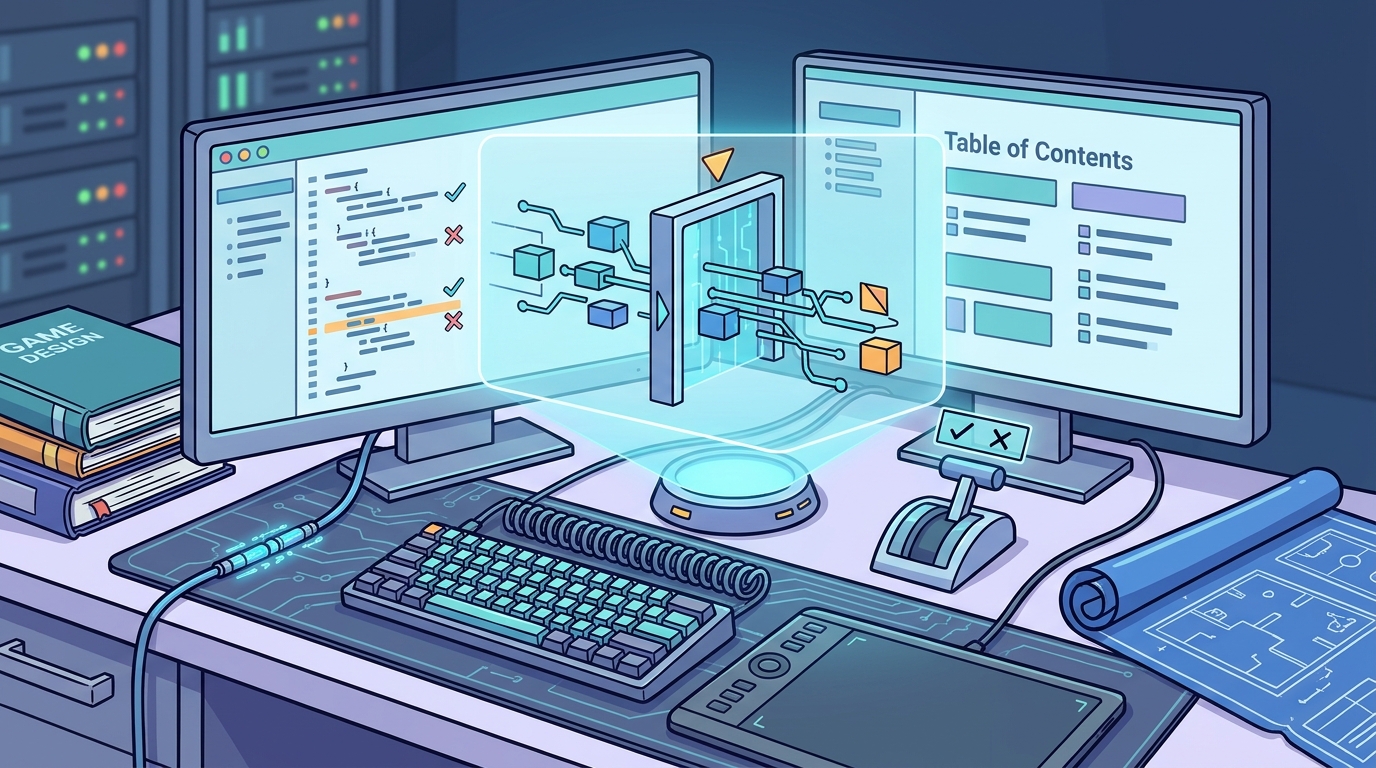
Plan mode is a workflow state where the AI generates a detailed implementation strategy before executing any code changes. This phase is critical for maintaining control over complex game features that touch multiple systems. Instead of immediately writing code, the assistant outlines the affected files, potential risks, and the logical steps required to achieve the desired outcome.
Defining the Implementation Strategy
In plan mode, Avori analyzes the Game Design Document (GDD) and current project state to create a reviewable plan. It identifies which scripts need modification, what serialized fields are required, and which editor checks are necessary. This transparency allows developers to approve the direction before any actual code is written, reducing the risk of architectural drift.
Risk Assessment and Gap Analysis
The planning phase includes a gap analysis that compares the GDD rules with the current implementation. It highlights what already matches the design, what is missing, and what the smallest safe implementation step should be. By explicitly naming risks and affected systems, plan mode ensures that developers are aware of potential side effects before proceeding to the execution phase.
Change Review Workflow
Change review workflow is a process where developers inspect and approve AI-proposed modifications before they are applied to the project. This step is essential for ensuring that AI-generated code aligns with project standards and does not introduce hidden dependencies. Avori enforces this by presenting proposed changes in a clear, reviewable format within the editor.
Inspecting Proposed Modifications
When the AI proposes a change, it provides a diff view that shows exactly what will be added, removed, or modified. Developers can review the code changes alongside the context of the surrounding files. This level of detail allows for a thorough inspection of the logic, ensuring that the AI has not introduced hardcoded values or bypassed existing state machines.
Approval and Execution
After reviewing the changes, developers can approve them for execution. Avori then applies the modifications to the project, respecting the local-first design principle. If a change is rejected, the developer can provide feedback to refine the plan. This iterative loop of planning, reviewing, and executing ensures that the codebase remains clean and maintainable, even as AI assistance accelerates the development process.
Comparison of AI Approaches
| Feature | Generic AI Assistant | Avori (Project-Aware) |
|---|---|---|
| Project Context | None (Blank Slate) | Full (GDD, Files, Rules) |
| Change Review | Post-Generation | Pre-Execution (Plan Mode) |
| Unity Integration | Text-Based Only according to Text based game | Editor Plugin + Local API |
| Data Privacy | Cloud-Dependent | Local-First by Default |
| Architecture Awareness | Low | High (Nodes, Scenes, Signals) |
Key Takeaways
- Avori provides a Unity AI assistant that understands project context, including GDDs and scene structures.
- Plan mode allows developers to review implementation strategies and risk assessments before code execution.
- The change review workflow ensures that all AI-proposed modifications are inspected and approved by the developer.
- Local-first design keeps source code and design documents under developer control, enhancing security.
- Project-aware AI reduces the need to repeatedly explain context, saving time on complex tasks.
- Avori supports Unity, Godot, and Unreal, making it a versatile tool for multi-engine teams.
- Reviewable plans help prevent architectural drift and maintain codebase consistency.
- Developers retain full ownership of the project, with AI serving as a copilot rather than an autonomous agent.
Frequently Asked Questions
Does Avori work with existing Unity projects?
Yes, Avori can connect to existing Unity projects. It indexes the project structure and allows you to ask safe questions before proposing any changes.
How does Avori handle data privacy?
Avori is local-first by default. Your source code, design docs, and project memory stay on your machine and are not used for model training.
Can Avori generate Unity C# code?
Yes, Avori can generate, explain, refactor, and debug Unity C# code while using connected project context and rules.
What is the difference between plan mode and execution?
Plan mode generates a strategy and risk assessment for review. Execution applies the approved changes to the project after developer sign-off.
Does Avori support Godot and Unreal?
Yes, Avori supports workflows across Unity, Godot, and Unreal, with engine-specific setup requirements covered in the docs.
How do I start using Avori?
You can start by downloading the Avori installer for Windows. It auto-detects your Unity, Godot, and Unreal projects and sets everything up automatically.
Is Avori free to start?
Avori Core is $0 software. You start with 30 one-time trial credits, then continue with prepaid Avori Balance for supported Avori-hosted models.
Can I use my own API keys with Avori?
Yes, Avori Pro includes Personal BYOK access, where your provider bills model usage directly.
Conclusion
Avori provides a robust solution for teams seeking a Unity AI assistant that prioritizes safety and control. By leveraging plan mode and a rigorous change review workflow, developers can accelerate their game development process without compromising code quality or architectural integrity. To begin building your game with AI, visit Avori and explore the tools designed to keep your project under your control.